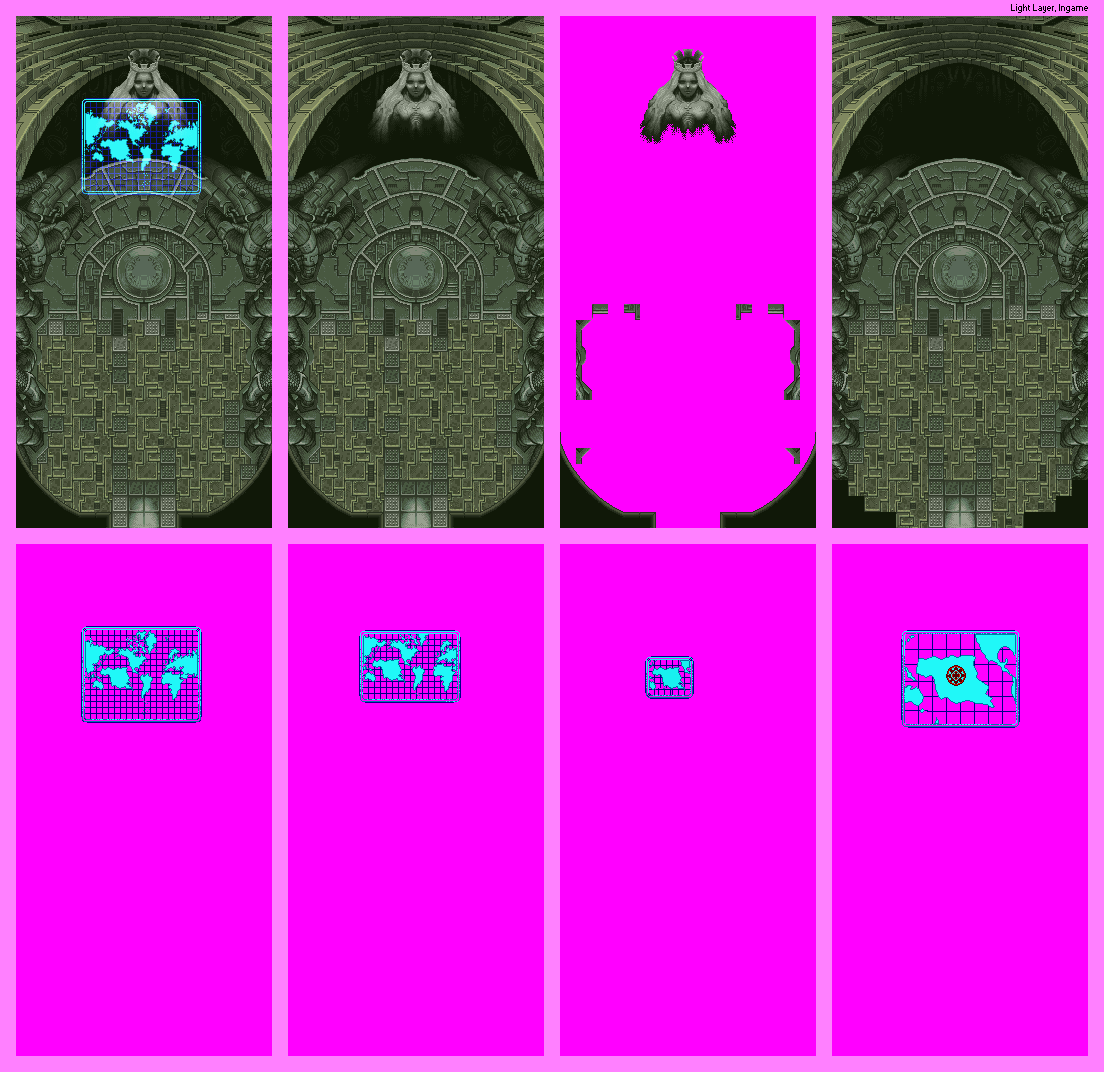
Parj Temple - Inner Sanctum (Hologram Room)
(Current scale is below 100% - zoom in to view full detail)
| Asset Info favorite | |
|---|---|
| Name | Parj Temple - Inner Sanctum (Hologram Room) |
| Category | SNES |
| Game | Star Ocean (JPN) |
| Section | Astral Kingdom - Maps |
| Submitted | December 27, 2025 |
| Uploaded By | Barack Obama |
| Size | 76.21 KB (1104x1072) |
| Format | PNG (image/png) |
| Hits | 241 |
Animated GIFs (0)
Therefore I just made a screenshot of the effect and put it on the assembled map.
Why not doing this in the first place? In most games, you can't see the edges of the maps and this means, the shadow / light maps are also cut off.
Since the tile map viewer only shows components, I have to apply these effects with my graphics program.
Usually I create a transparent selection, cut it out and then again paste it as new layer.
I activate my grid, put it on the assembled map and select blend mode / opacity in layer properties.
For Tales of Phantasia / Star Ocean, it's mostly Blend Mode: Normal & Opacity: 50%. Then I combine the layers and that's it.