Main Menu
(Current scale is below 100% - zoom in to view full detail)
| Asset Info favorite | |
|---|---|
| Name | Main Menu |
| Category | PC / Computer |
| Game | Sonic's Schoolhouse |
| Section | Menus & GUI |
| Submitted | July 6, 2026 |
| Uploaded By | FridayFunkGaming291 |
| Size | 339.71 KB (855x1142) |
| Format | PNG (image/png) |
| Hits | 614 |
| Tags (12): arrow_right | |
Animations (0)
Comments (3)
You must be logged in to post comments.

That controller looks like a Touchpad CD-i controller.

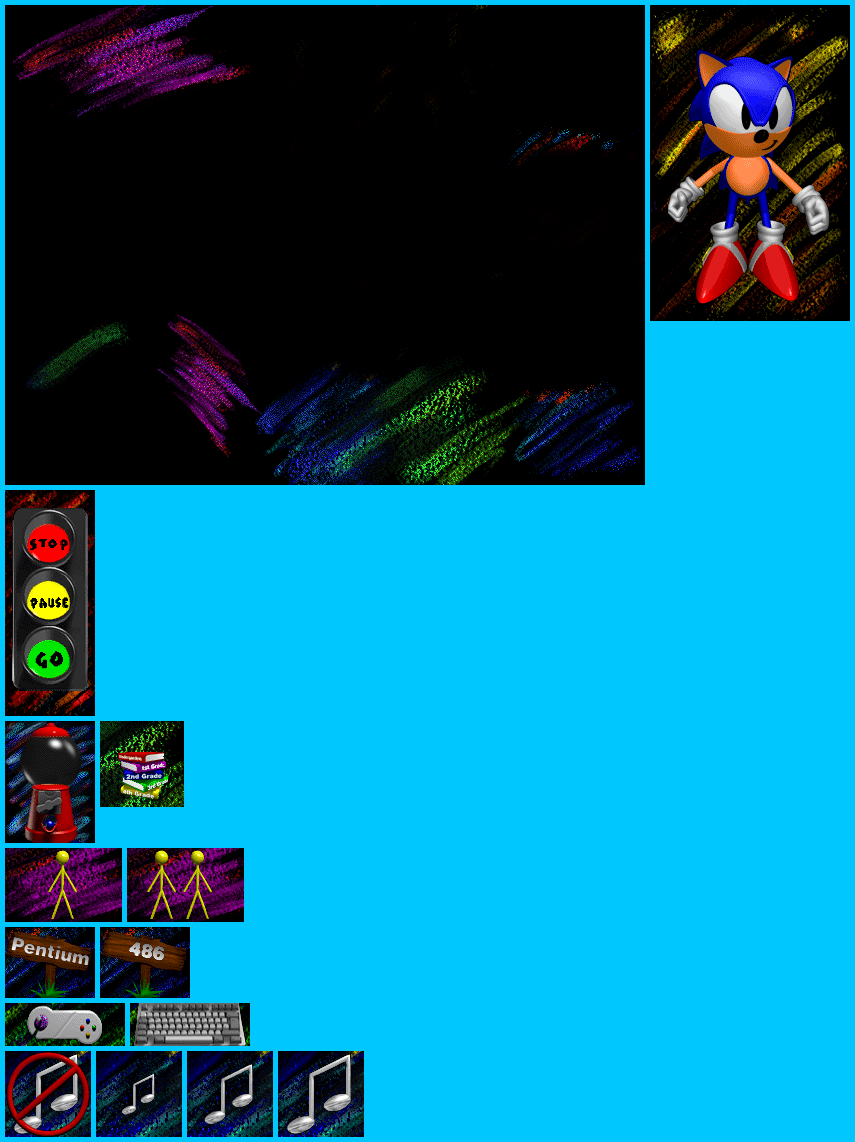
"Hi there! I'm Sonic the Hedgehog! You're going to play in my schoolhouse! If you've ver got a problem, find me and I'll help! Right over there is where you pick a character. Just click on the animal, try it if you don't believe me! You can also decide between your keyboard or a joystick with a click. There's a little box where you can choose your own name! If you're not sure how to do it, ask a grownup. That's what they're for! If you wanna play with a friend, click on the stickman. The traffic light lets you move through my schoolhouse. Click on green to get started. Red will stop you. Yellow will pause the game and let you take a break. Click on the gumball machine to tell you how you're doing in the game. This note controls the music. I like to hear it, but you're the boss! Click on the book to change your grade. Don't you wish it were that easy in school? If the game's running slow, try clicking here! 486 instead of pentium means your game will run faster! It just won't be quite as pretty. Anytime you've got any more questions, I'm always here. Have fun!"
"I'm Sonic! Click on me for help!"